VPS AMD VinaHost: Unleash the Power, Breakthrough Speed, Optimize All Investment Resources

1. Main Advantages of VPS AMD at VinaHost

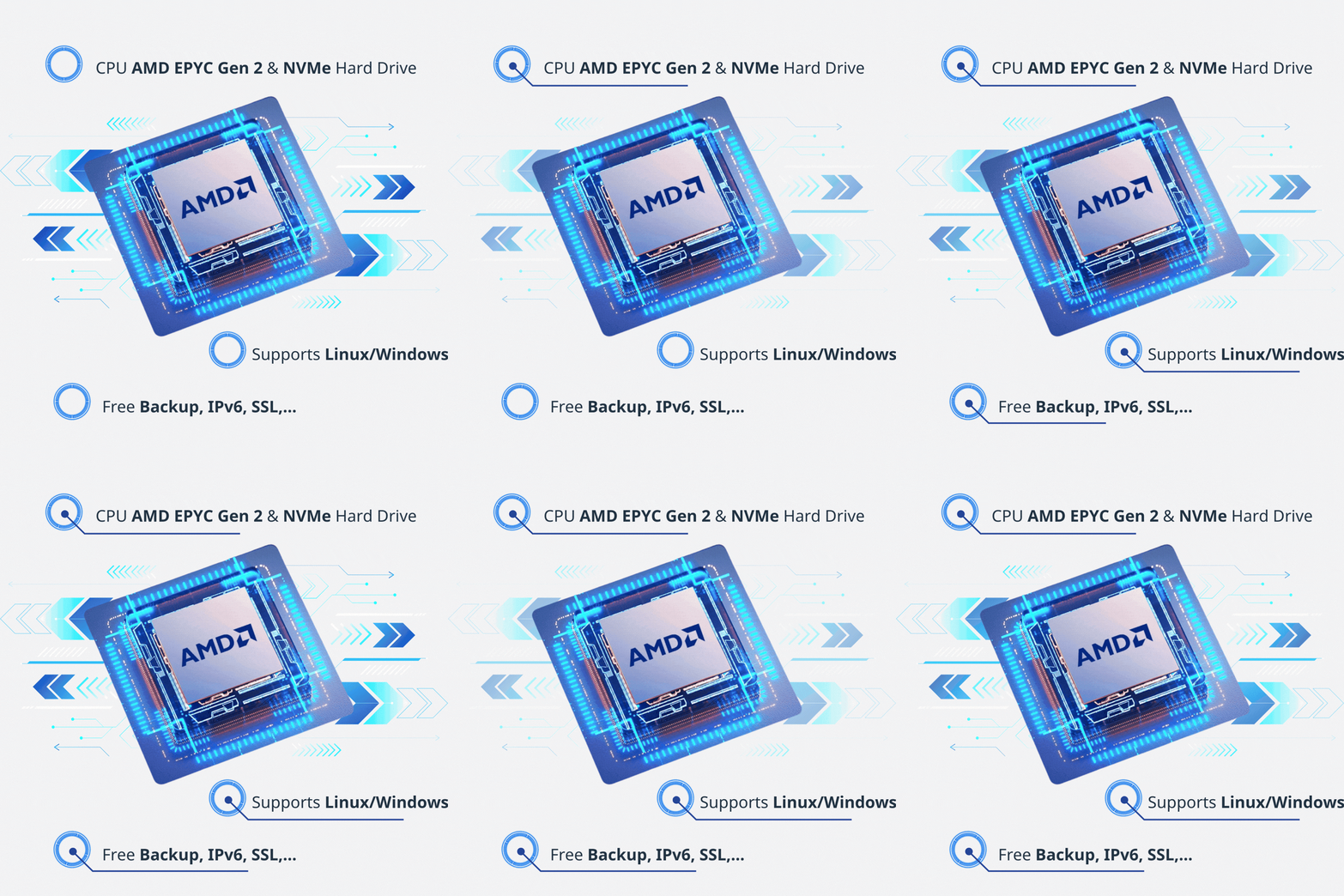
  • Superior Performance with AMD EPYC CPUs: Utilizing the 2nd generation AMD EPYC chips, delivering powerful multi-core and multi-threaded processing capabilities. High clock speeds accelerate processing for demanding applications, large databases, and high-performance systems.
  • Extremely Fast Storage Speeds: Using Full NVMe SSD U3 Gen 4 drives combined with Raid 10 technology optimizes data read/write speeds (high IOPS), ensuring smooth system performance even under high traffic.
  • International Standard Infrastructure: Server systems are located in Tier 3 certified data centers in Vietnam (such as Viettel IDC, VNPT), ensuring the highest level of stability, safety, and security. Guaranteed uptime of up to 99.9%.
  • Bandwidth and Connectivity: Large domestic and international bandwidth ensures fast and stable access speeds.
  • Administration and Technical Support: Intuitive management interface allows users to proactively reinstall the OS, reboot, or monitor system parameters. Highly skilled technical support is available 24/7/365 through multiple channels such as tickets, phone, and live chat. Managed VPS packages are available to help customers optimize their systems.
  • Flexibility and Cost: Easily upgrade resources (CPU, RAM, Storage) according to the actual needs of the business. Competitive cost compared to the actual performance of AMD EPYC chips.
In short, AMD VPS at VinaHost is the optimal solution for e-commerce websites, business applications, or projects requiring fast processing speeds and high stability.

2. Instructions for Renting an VPS AMD EPYC at VinaHost

  • Visit the VinaHost AMD VPS page.
  • Choose a VPS package that suits your needs in terms of vCPU, RAM, and SSD.
  • Click “Order,” fill in your personal information, and make the payment.
  • After payment, VinaHost will send the VPS login information via email.
  • The VPS will be pre-installed with the operating system and activated within 15-20 minutes.

3. Instructions on How to Reinstall the Operating System on a VinaHost VPS

  • Log in to the VinaHost Client Area or VPS Control Panel.
  • Select the VPS that needs its operating system reinstalled.
  • Go to the OS settings section.
  • Select the operating system version.
  • Choose your desired operating system (Linux/Windows) and version.
  • Set a password.
  • After completion, you will receive new login information via email to access the VPS.
With over 18 years of experience providing VPS services, VinaHost is committed to delivering high-quality AMD VPS services with infrastructure located in Tier 3 data centers, ensuring fast and stable access speeds, along with 24/7 technical support. In addition, customers can choose flexible VPS management services, from basic support to full-service management tailored to their specific needs, optimizing system performance and security.
For support, please feel free to contact us: